Products: Managed Backup (Agent), Managed Backup (Web), Microsoft 365 / Google Workspace Backup
Article ID: m0032Last Modified: 03-Oct-2026
Create Local Full Backup
- Run Backup Agent.
- Add a new local file system storage account.
Use the default backup prefix.
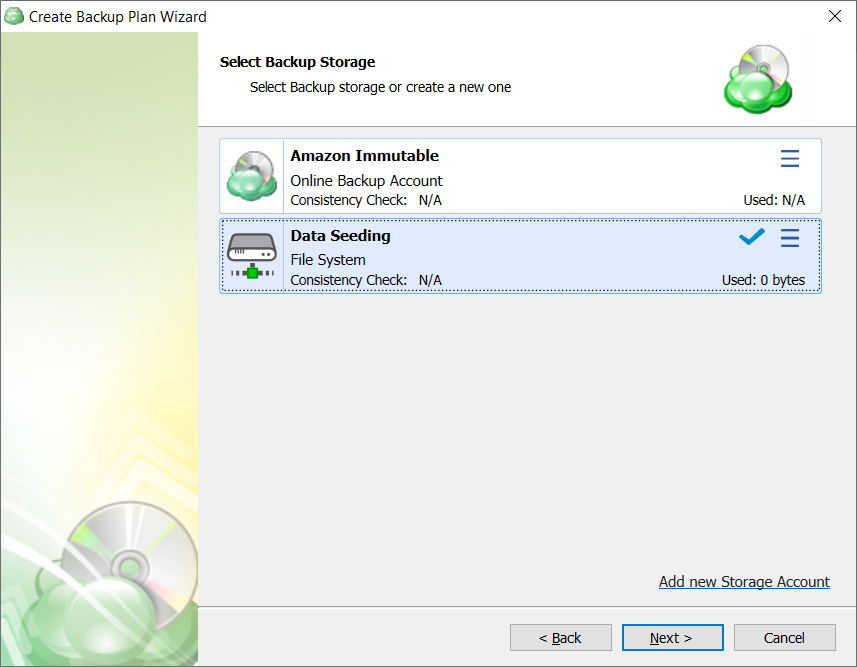
- Create a new backup plan in the new backup format. On the Select Backup Storage step, select the storage account created in the previous step.
- On the Backup Source step, specify the contents for the initial full backup.
- Finish the backup wizard, then run the backup plan.
- Wait until the backup plan (first run must be a full backup) completes.
Make sure the backup plan completed successfully. In case of errors, follow the suggested solutions to resolve them and obtain a successful backup copy.