Products: Managed Backup (Agent), Managed Backup (Web), Licensing / Sales
Article ID: m0255Last Modified: 06-Apr-2026
Set Limits for Licenses
Licenses are assigned automatically and only its number can be limited.
The license limits are set separately for companies.
Set License Limits for Company
To apply license limits for selected company, proceed as follows:
- Open the Management Console.
- In the Organization, select Companies.
- Find the required company to set the limits, click Edit.
- Switch to the License Settings tab. By default, the Limit Settings area is set to Unlimited.
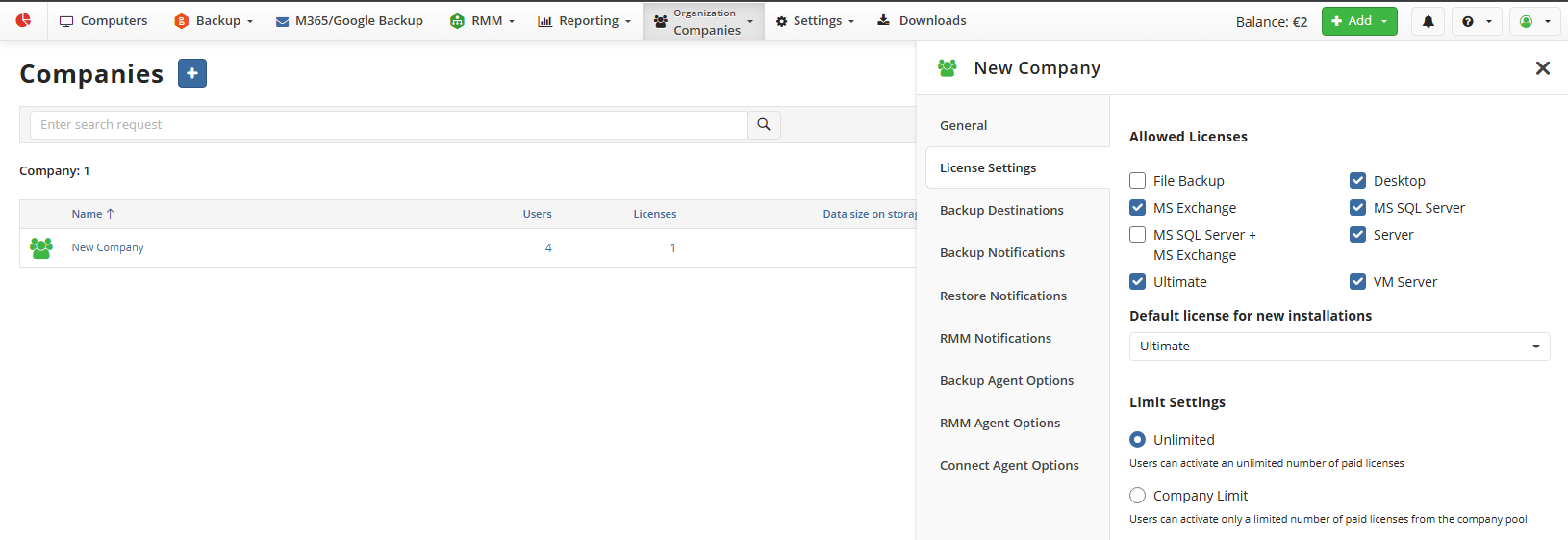
- In the Limit Settings area, select Company Limit.
- In the Company Limit column, set the required limits for desired license types. As you finish, click Save.
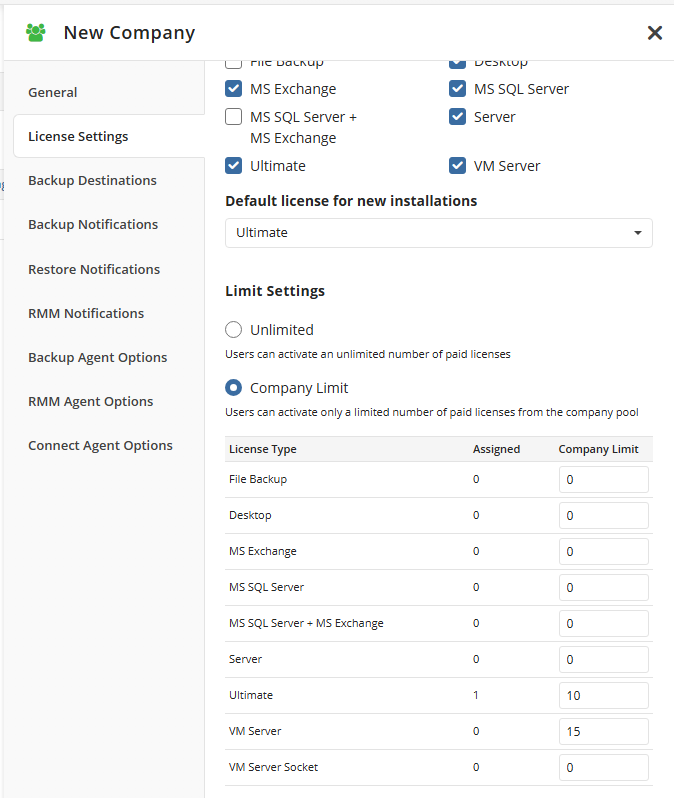
To restrict the issuance of the license of any type, set "0" in the Company Limit field