How to Close Your Account
To complete the account closure process, follow the steps below. These steps ensure that all active subscriptions are canceled and your backed-up data is securely removed.
Step 1. Cancel Auto-Renewal for Licenses
If you purchased licenses through FastSpring, you should cancel the auto-renewal for your subscription / licenses. You can do this in one of two ways:
- Option A: Disable Auto-Renewal for Individual Licenses
- Cancel the Entire FastSpring Subscription
Option A: Disable Auto-Renewal for Individual Licenses
- In the Management Console, ensure you are logged into the account you wish to close.
- Open the Organization > Licenses
- For each license you wish to deactivate renewal, expand actions at the end of the license entry and click Disable Auto-Renewal.
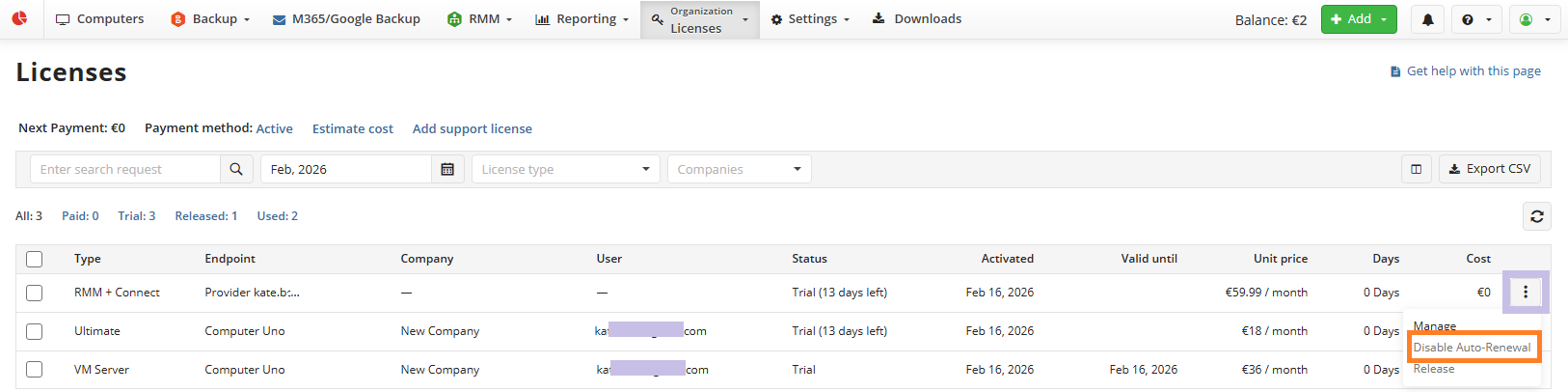
- Confirm your selection.
Once you perform this operation, no further charges will be incurred. However, you will still be charged on the 1st day of the next month for costs you have already incurred. Your account will be fully closed only after this final payment is processed.
Option B: Cancel the Entire FastSpring Subscription
- In the Management Console, being logged in using account you want to close
- Expand the Account menu
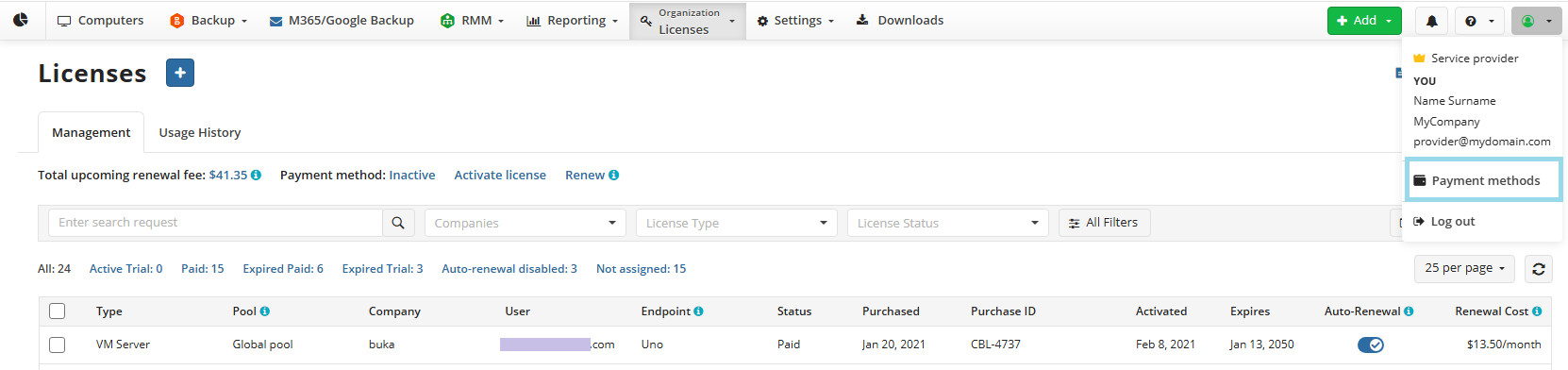
Click Payment methods
Navigate to Subscriptions > Manage.

- Select Cancel Subscription and follow the prompts to confirm.
Once you perform this operation, no further charges will be incurred. However, you will still be charged on the 1st day of the next month for costs you have already incurred. Your account will be fully closed only after this final payment is processed.
Step 2. Delete Your Backup Data
After canceling your subscription, delete all backed-up or uploaded data from your storage account by following the instructions in the following article.
Object Lock: Data protected with the Object Lock feature cannot be deleted using the Management Console before its retention period ends. To request deletion, you must contact your cloud storage provider's support team.
Early Deletion Fees: Some storage accounts are subject to early deletion fees. It is recommended to review your cloud storage policies carefully to avoid any unnecessary charges.
Step 3. Uninstall Agents
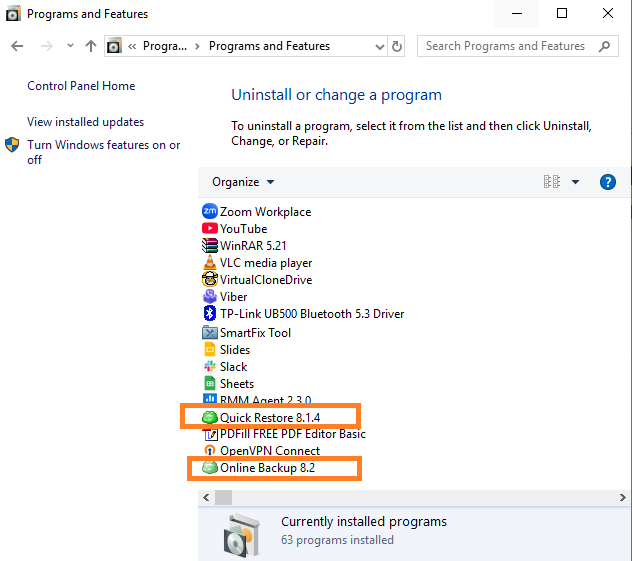
Uninstall all installed Agents from the managed computers.