Products: Managed Backup (Web)
Article ID: m0724Last Modified: 05-Oct-2026
Default Asset Types
You can map HaloPSA asset types and Management Console products to assign them by default to mapped products.
Create Products Mapping
To do this, proceed as follows:
- Open the Management Console.
- In the Settings menu, select HaloPSA.

- Navigate to the Default asset types tab.
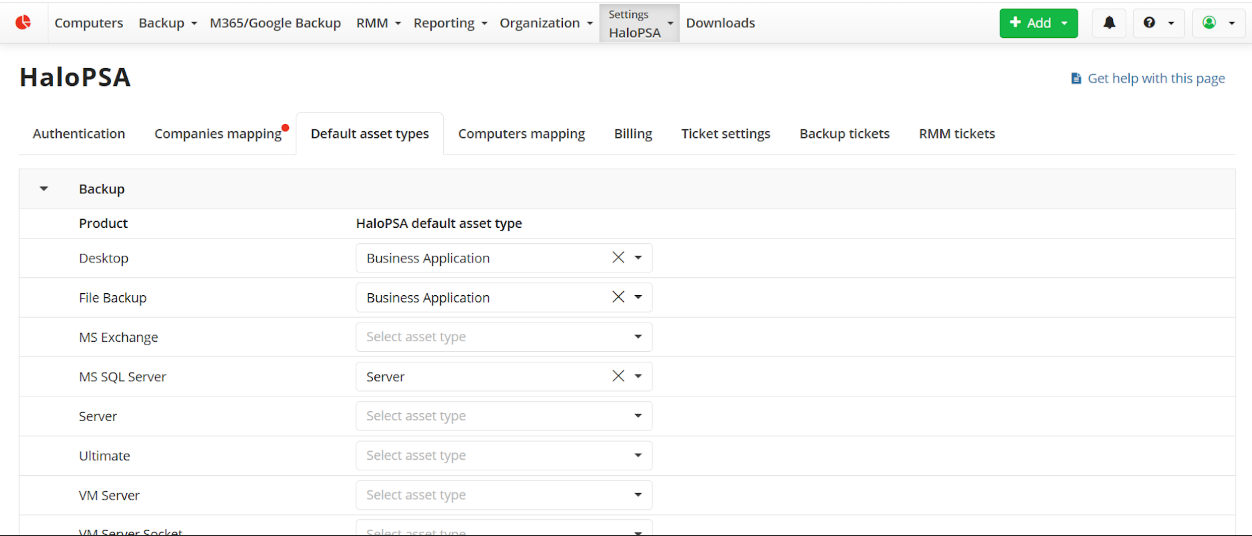
- Map default HaloPSA asset types to the required license types. You only need to select a default HaloPSA asset type for the activated licenses. You can change this setting later, if needed.
This mapping will be used as the default for products in HaloPSA.